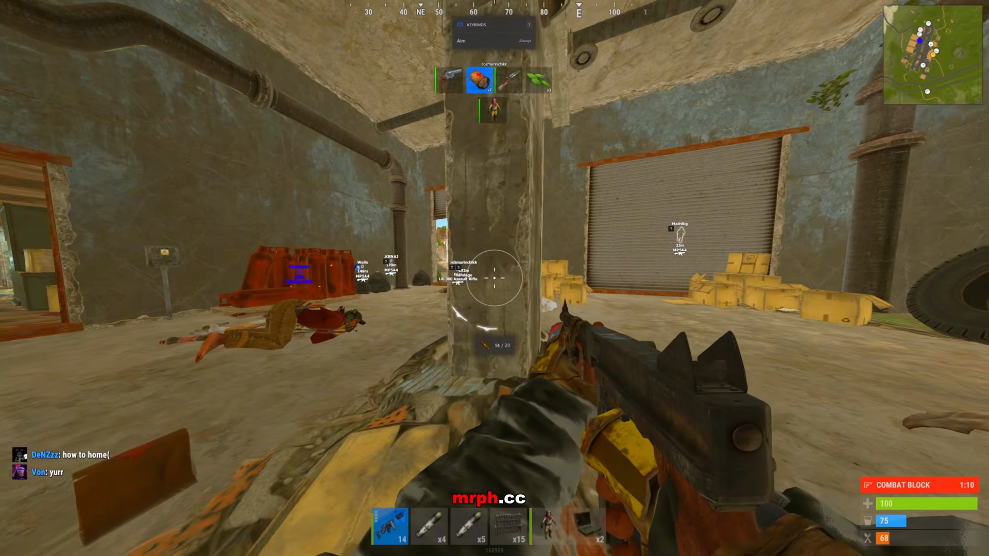
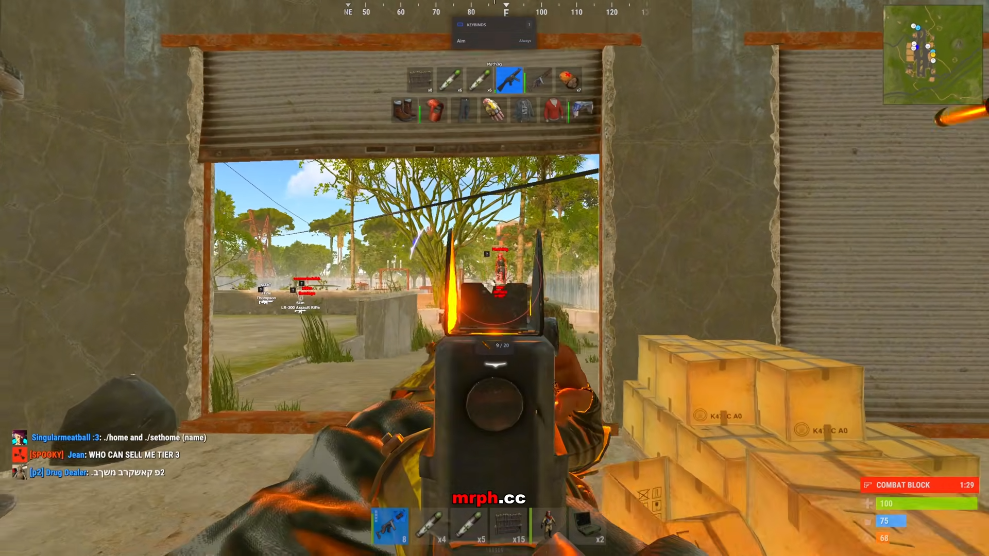
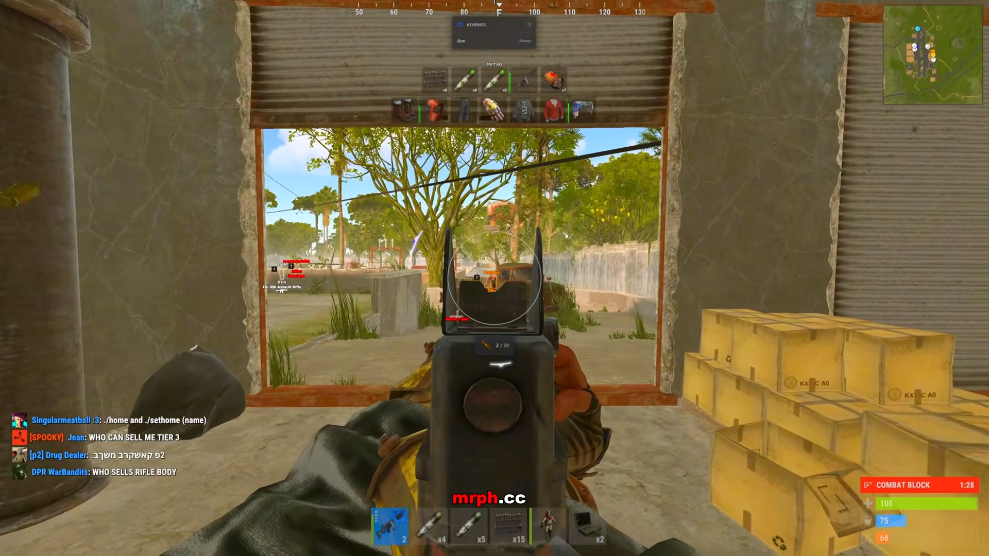
RUST Aimbot
Your aim, configured
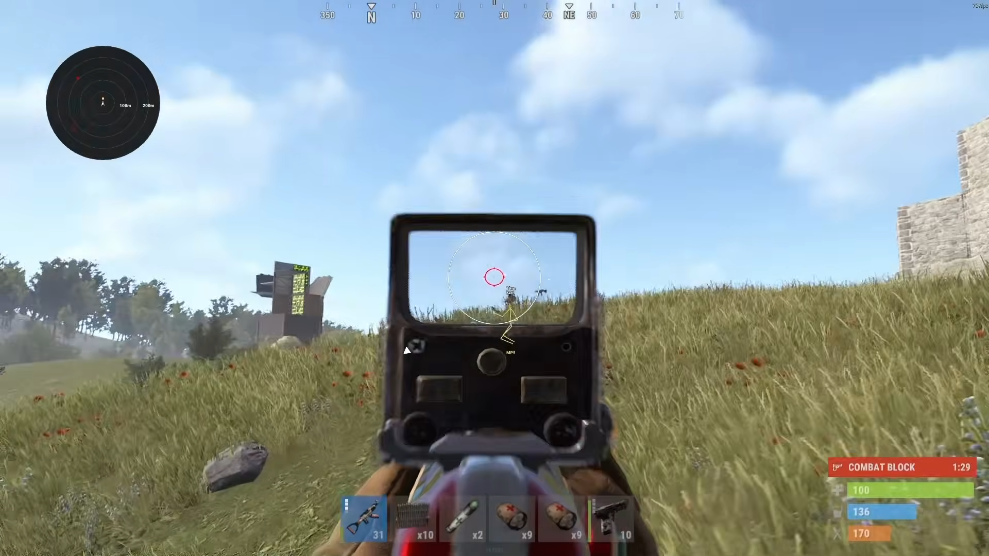
Review FOV, smoothing, aim bone and aim key controls in the Rust aimbot group.
- Adjustable aim FOV
- Smoothing slider
- Custom aim bone and key
Explore Rust aimbot, player ESP, resource markers and world overlays. Compare the features, PC requirements and access plans in one place.
Aimbot
Combat controls
ESP
Player awareness
world ESP
Tactical view
PC
Platform focus
Cheat features
Combat and awareness modules in one RUST catalog. Explore the controls and confirm the current build with support.
Your aim, configured
Review FOV, smoothing, aim bone and aim key controls in the Rust aimbot group.
Read the battlefield
Keep player boxes, skeletons, distance, and team filters together in a readable ESP layout.
Rust world markers
Explore ore, collectable, animal, stash, trap and vehicle filters.
Separate weapon controls
Review recoil axes, sway, spread, bow and Eoka options in the weapon category.
Less clutter. More context.
Choose colors, hotkeys, and display density. Check your actual recording setup before relying on capture behavior.
Configuration and patch checks
Keep named settings and confirm build compatibility after a game update.
Know your next step
Find RUST product information, patch checklists, and answers to common configuration questions in one place.
Products
Rust Cheats for Windows PC includes aimbot FOV and smoothing controls, player ESP, resource markers, hidden stashes, trap and vehicle overlays, weapon options, and configurable visual settings.
Listed Monthly $35 · Lifetime $150
Rust product features
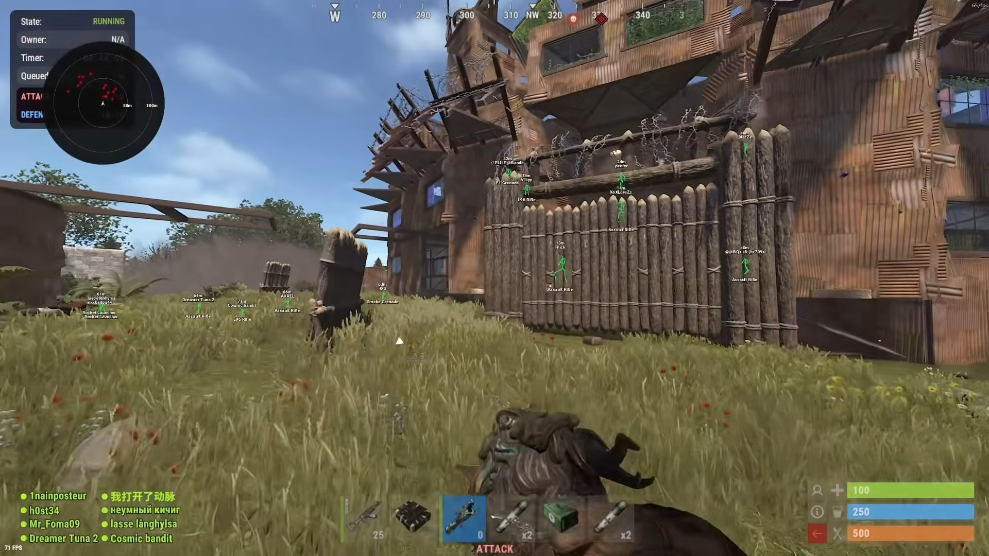
Rust product features
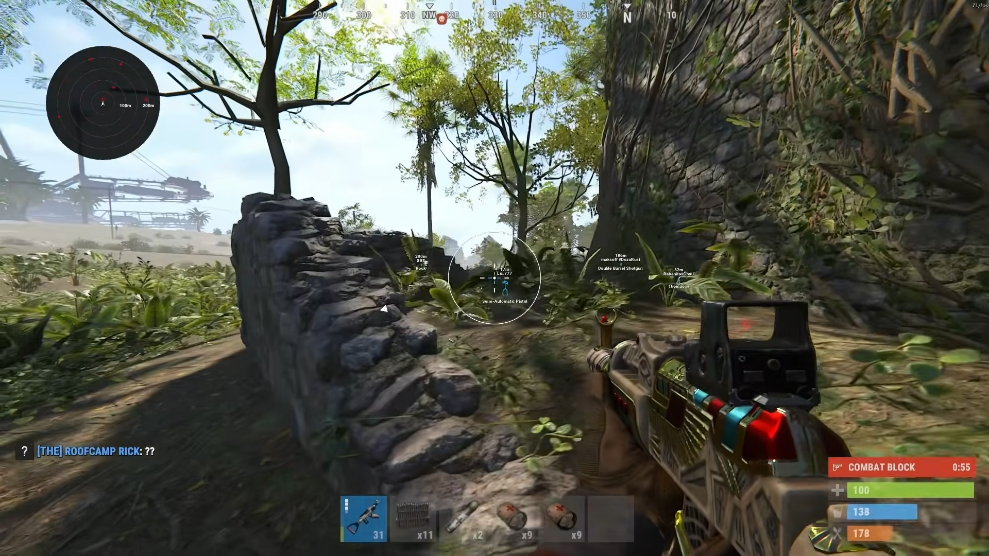
Rust product features
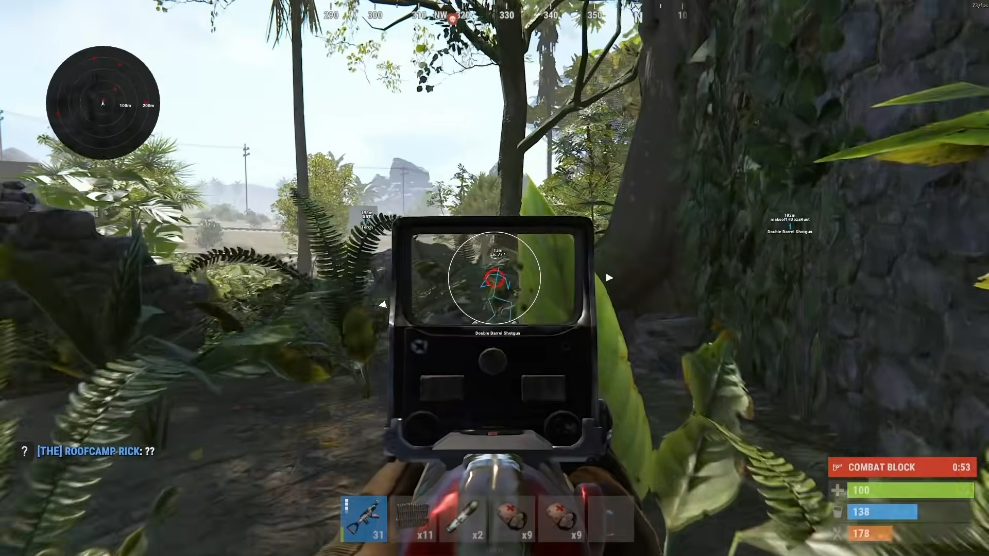
Rust product features
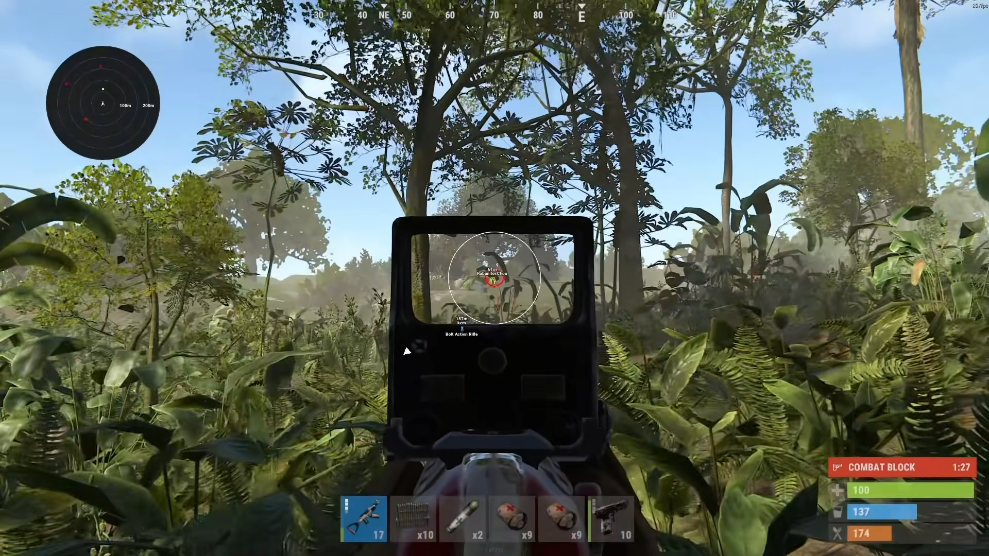
Rust product features
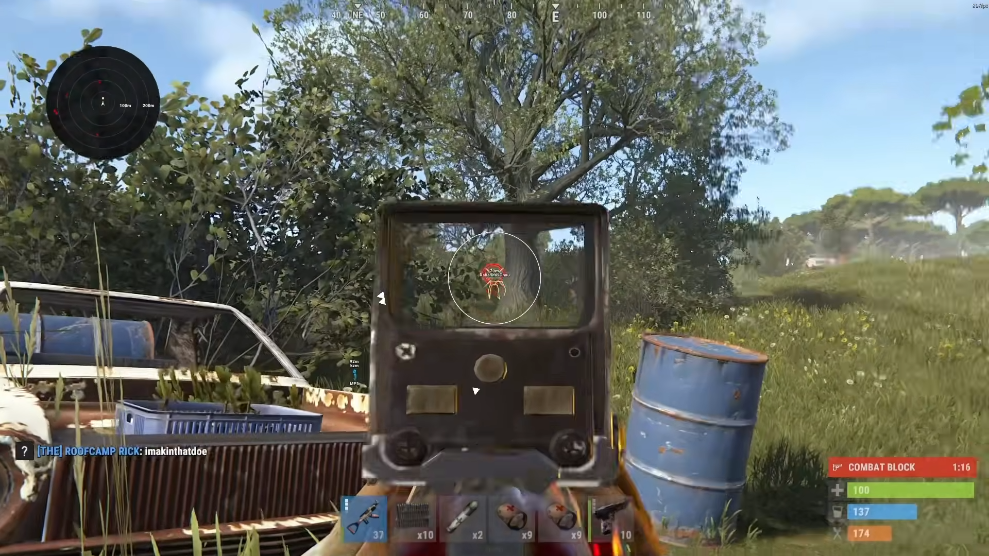
Rust product features
Why our cheats
Clear feature groups, organized settings, and a direct path to the information you need.
01
Compare
Review the RUST feature groups.
02
Confirm
Ask about the current supported build.
03
Configure
Keep your settings organized.
Setup
Explore the catalog, confirm compatibility, and get the information you need for your setup.
How it works
Compare modules, confirm your build, request access, and keep your profiles organized.
4 steps
Review aimbot, ESP, world ESP, and weapon-profile features.
Ask support about your launcher, Windows version, and game build.
Confirm the access duration, price, and delivery terms.
Organize your display and weapon settings for easy reference.
Cheat guides
Focused guides for aimbot controls, ESP layouts, world ESP, weapon profiles, and patch checks.
Compare Rust cheats by feature group: aimbot, player ESP, resources, stashes and weapon options.
Understand Rust aimbot FOV, smoothing and aim bones, plus player ESP boxes, skeletons and filters.
Explore Rust wallhack terminology, ore ESP, stash markers, traps, animals and vehicles.
FAQ
Features, platform questions, access, and configuration basics.